A FIELD GUIDE TO THE UNKNOWN
MONOMOON guide & exploration notebook
A little world. A lot to discover.
Find your bearings in MONOMOON, keep track of curious discoveries, and leave the big revelations to yourself. Start with our spoiler-light guide or open your personal notebook.
Independent fan guide · For the Steam PC game
01 / YOUR NEXT DISCOVERY
Your MONOMOON exploration notebook
Keep a MONOMOON location, a clue, and your next experiment together. This optional companion is separate from your MONOMOON save file: it cannot read game progress, reveal answers, or synchronize with Steam. Your notes stay in this browser unless you export them.
0 notes
A fresh page for a strange world.
Your discoveries will appear here. Add a note to begin.
A useful way to keep MONOMOON notes
Separate observation from interpretation. An observation describes something you actually saw; an interpretation is your current explanation. If an experiment fails, keeping those apart lets you change your theory without losing the original clue. You do not need to know an area's official name. A description that you recognize later is enough for your MONOMOON notebook.
Use the next-step field for one action, rather than a long list of possibilities. Mark a note “Revisit later” when you want to explore somewhere else, and “Solved” when the question no longer needs attention. These labels describe your own records, not objectives detected in MONOMOON. Search works across the location, observation, and next-step fields; the status filter narrows those search results.
Choose Edit to update a discovery without creating another entry. Export creates a readable text file containing all your notes, including those hidden by the current search or filter. Keep that file somewhere you control. Notes are not shared across devices, private-browsing sessions, or different site addresses. Clearing site storage can erase them. If browser storage is unavailable, a message tells you to export before leaving the page.
02 / BEGIN WITHOUT THE SPOILERS
Getting started in MONOMOON
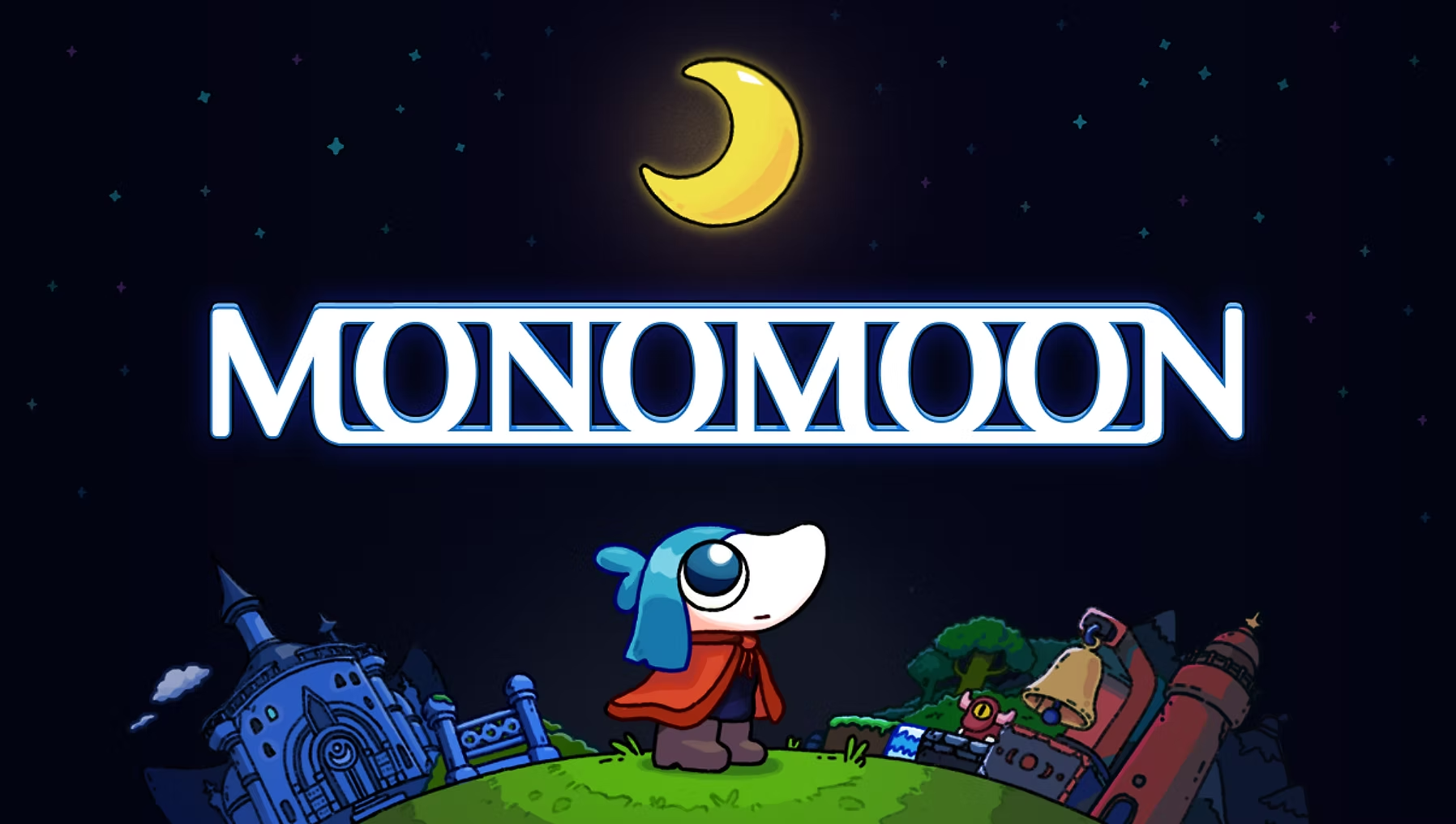
MONOMOON is an exploration puzzle game from Gentle Giant. Its small open world is built around discovering information, making connections, and learning how to move forward. The developer describes a game without proper instructions: finding your goal is part of the experience. This MONOMOON beginner guide offers a way to organize that experience without giving away particular puzzle solutions.
Understand what progress looks like
MONOMOON has nonlinear progression. That means you should not expect this guide to prescribe one mandatory route through every area. Learning something useful can matter even when you have not immediately opened a new path. Treat a surprising interaction or an unexplained detail as information worth remembering, rather than dismissing it because it did not produce an obvious reward.
The official description emphasizes hidden mechanics, mysterious items, and secrets. It does not follow that every unfamiliar object can be solved as soon as you encounter it. When exploring MONOMOON, distinguish a question you can test now from a question for which you still lack an explanation. Our suggestion is to write the latter down and move on when you have another promising direction.
Observe MONOMOON before making a theory
Take a moment to describe the situation in plain language. What caught your attention? What happened when you interacted? What stayed the same? You can enter these observations in the MONOMOON notebook above. Writing a concrete description makes it easier to notice when a later discovery connects to an earlier one, without needing someone else's walkthrough to tell you what to look for.
Avoid turning a guess into a fact in your notes. Phrases such as “I think” or “I have not tested” are useful. If you return after a break, you will know which parts of your MONOMOON record are reliable observations and which remain ideas. This is a general puzzle-solving method, not a claim that the game requires written notes or an external tool.
Test one MONOMOON idea at a time
When you have a theory, choose a small test that could tell you whether it makes sense. If you change several things at once, a different result can be hard to explain. Record the result in the same entry, then decide whether to continue, revise your idea, or revisit later. A failed experiment can still make your MONOMOON notes more useful by ruling out an assumption.
There is no need to turn exploration into paperwork. A short sentence can be enough, and you can ignore the notebook entirely if you prefer to remember things yourself. The point is to reduce repeated confusion while preserving discovery. In MONOMOON, a companion should help you keep track of your thoughts without replacing the satisfaction of making a connection.
Choose your next MONOMOON direction deliberately
Before ending a session, leave yourself one clear next step. It might be revisiting something you did not understand or continuing to explore a different route you noticed. Use your own observations to choose that step. This MONOMOON guide intentionally avoids unverified room names, item requirements, coordinates, and button sequences, so it does not send you searching for a fabricated solution.
If you want help from another player, describe the question and the amount of information you want. Asking for a small hint first can preserve more of MONOMOON's discoveries than asking for a full explanation. The developer says every puzzle can be solved alone and all necessary clues are available within the game. Sharing ideas is an option, not a requirement for completion.
03 / BEFORE YOU SET OUT
Playing MONOMOON on PC
Keyboard and mouse are recommended
MONOMOON combines platforming with point-and-click interaction. Gentle Giant recommends a keyboard and mouse for the intended experience. Controller support exists, but the developer describes it as less optimal. Use the game's own settings and prompts for current bindings; this page does not invent a control chart or claim that one setup works best for every player.
If you are deciding whether MONOMOON suits your setup, start with the official minimum requirements beside this section. They are a compatibility reference, not a benchmark or a promise of a particular frame rate. In particular, the graphics requirement is broadly worded rather than specifying an exact GPU model.
Published minimum requirements
- Operating system
- Windows 10
- Processor
- 2 GHz
- Memory
- 8 GB RAM
- Graphics
- Relatively modern dedicated GPU
- Storage
- 350 MB available space
Steam listing checked November 14, 2026.
View MONOMOON on Steam ↗Plan for discovery, not a stopwatch
The developer estimates around ten hours for the main MONOMOON experience and mentions additional secrets after the credits. Your time can differ depending on how you explore and solve puzzles. This estimate is not a completion deadline, a guarantee of playtime, or a claim that every secret will take the same amount of effort.
MONOMOON is listed as a single-player PC game on Steam. This website provides a guide and a browser-based notebook; it does not run the original game. We have not verified an official browser edition or a permitted playable embed. A video player shows footage only and should not be confused with a playable demo.
04 / A GLIMPSE OF THE WORLD
Watch the official MONOMOON trailer
Gameplay trailer · Gentle Giant Games
Loads YouTube only when you choose. Playback uses its native controls.
Official trailer from the developer's Press Kit. Watch on YouTube if embedded playback is unavailable.
05 / QUICK ANSWERS
MONOMOON questions, answered
Is this a complete MONOMOON walkthrough?
No. This is a spoiler-light introduction and a personal exploration notebook. It covers the game's premise, input recommendation, published PC requirements, and a practical method for tracking discoveries. It does not promise answers to individual puzzles, an exhaustive item list, or a complete route through MONOMOON.
Do I need other players or outside tools?
The developer says MONOMOON can be completed solo and its puzzle clues are inside the game. The notebook here is optional. It is designed to organize your own observations, not supply information that the game requires you to obtain elsewhere.
Are my MONOMOON notes uploaded anywhere?
No. The notebook saves in local browser storage. Export downloads a text copy to your device. It is not a cloud backup and cannot restore notes from a different browser automatically. Avoid storing personal information in puzzle notes, particularly on a shared computer.
Can I play MONOMOON directly on this page?
No. The original game is distributed on Steam for PC. The notebook works in your browser, but it is a companion rather than the game itself. The official trailer is video footage, not an interactive MONOMOON demo.